

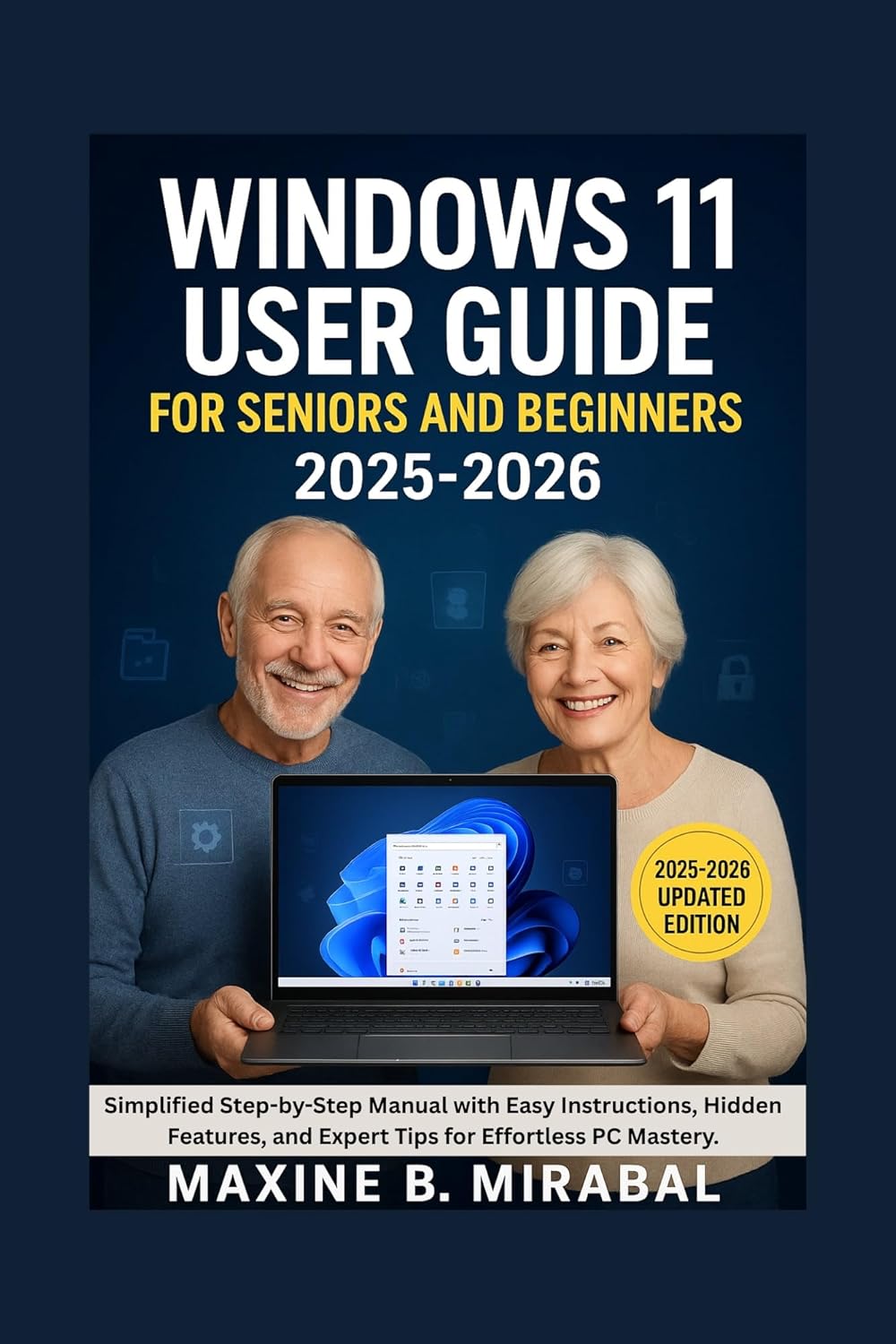
Windows 11 for Seniors: Simple Step-by-Step Instructions for Everyday Computing and Staying Connected
Product details
| Management number | 231886262 | Release Date | 2026/06/18 | List Price | $3.10 | Model Number | 231886262 | ||
|---|---|---|---|---|---|---|---|---|---|
| Category | |||||||||
Windows 11 for SeniorsDoes Windows 11 feel confusing, overwhelming, or difficult to navigate? Are you looking for a simple, stress-free way to learn everyday computer skills without the technical jargon?If so, this book is exactly what you need.Windows 11 for Seniors: Simple Step-by-Step Instructions for Everyday Computing and Staying Connected is a practical, beginner-friendly guide designed specifically for seniors, older adults, and anyone who wants to learn Windows 11 with confidence. Whether you're using a new computer for the first time or upgrading from an older version of Windows, this easy-to-follow user guide will help you master the essentials at your own pace.Instead of overwhelming you with technical language, this book breaks everything down into clear, straightforward lessons with step-by-step instructions, helpful examples, and practical tips that make learning simple and enjoyable.Inside this comprehensive Windows 11 guide, you'll learn how to:• Set up and personalize your Windows 11 computer with ease• Understand the desktop, Start menu, taskbar, and key Windows features• Connect to Wi-Fi and browse the internet safely• Use Microsoft Edge to search the web and save favorite websites• Send and receive emails with confidence• Make video calls and stay connected with family and friends• Organize files, folders, photos, and documents efficiently• Use cloud storage and manage your digital files• Print documents and pictures without frustration• Protect yourself from online scams, phishing attempts, and cyber threats• Create strong passwords and improve your online security• Keep Windows 11 updated and running smoothly• Use accessibility features such as Magnifier, Narrator, and Voice Access• Troubleshoot common Windows 11 problems without needing technical support• Build lasting confidence using modern technology in everyday lifeWhether your goal is to communicate with loved ones, manage personal documents, enjoy online entertainment, or simply become more comfortable using a computer, this Windows 11 user guide provides the knowledge and support you need to succeed.With large, easy-to-follow instructions and a friendly teaching approach, you'll gain practical skills that can help you stay informed, connected, productive, and independent in today's digital world.Technology doesn't have to be complicated. With the right guidance, anyone can learn to use Windows 11 confidently.Take the first step today and discover how easy, rewarding, and empowering everyday computing can be with Windows 11 for Seniors by your side. Read more
| ASIN | B0H2235XMY |
|---|---|
| XRay | Not Enabled |
| Language | English |
| File size | 688 KB |
| Page Flip | Enabled |
| Word Wise | Not Enabled |
| Print length | 171 pages |
| Accessibility | Learn more |
| Screen Reader | Supported |
| Publication date | June 16, 2026 |
| Enhanced typesetting | Enabled |
Bestseller ranking
Windows Desktop


Customers who viewed this product also viewed
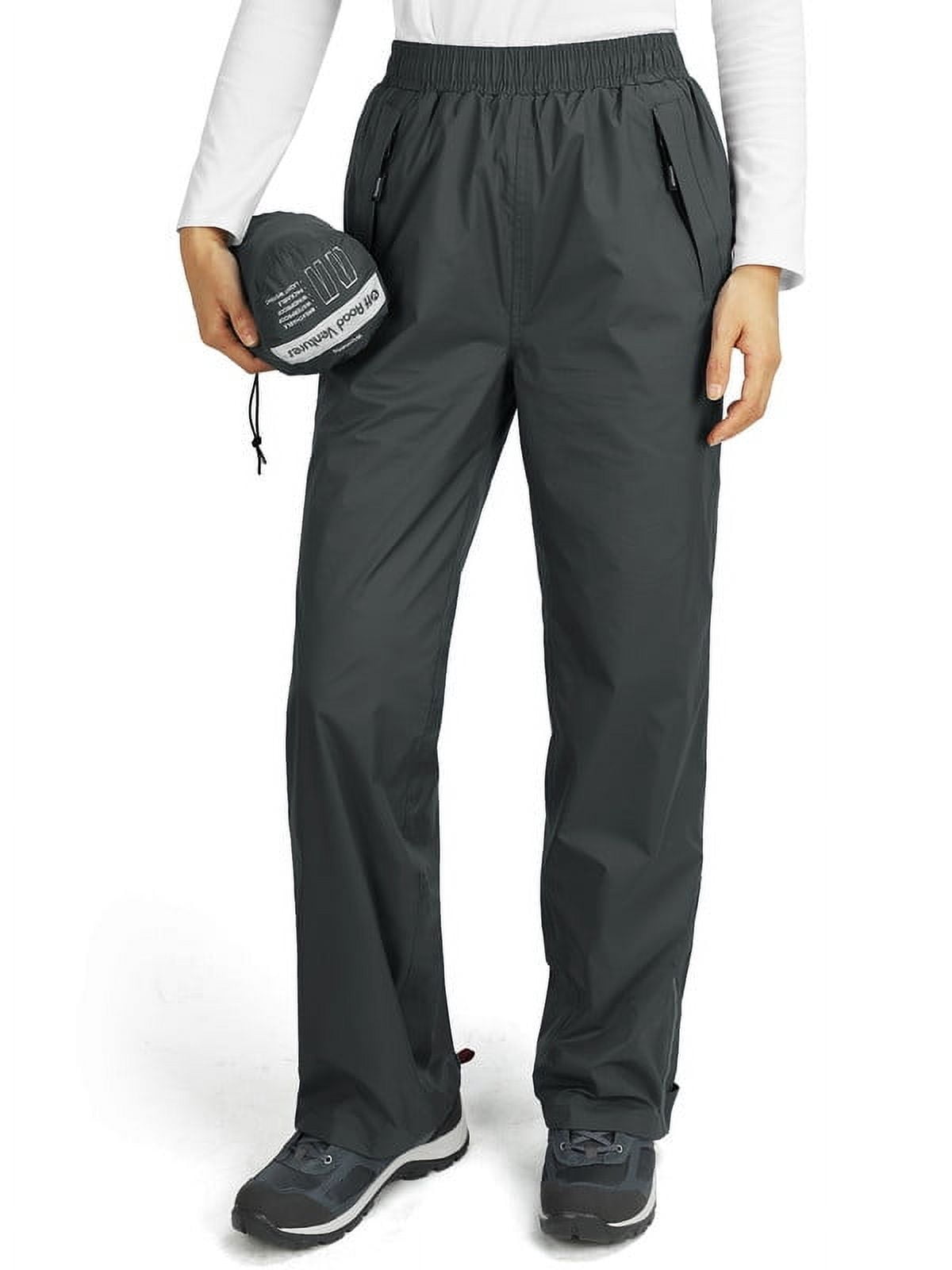
Womens Pants





Correction of product information
If you notice any omissions or errors in the product information on this page, please use the correction request form below.
Correction Request Form